
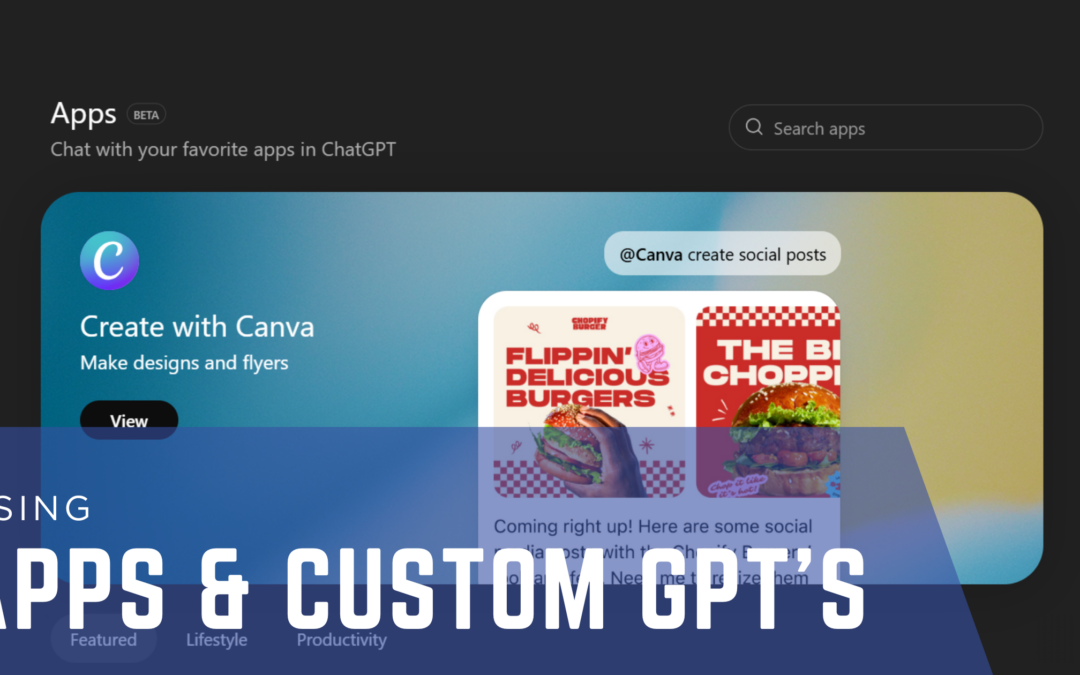
How to Use ChatGPT for Marketing: A Guide to Apps and Custom GPTs
If you’ve been using ChatGPT, you’re already ahead of the game.
But here’s what I’m seeing with a lot of small business owners and nonprofits.
You’re asking good questions. You’re getting answers. And it feels helpful.
But at the same time, something is missing.
The responses can feel a little generic. Sometimes they don’t sound like you. And you’re not always sure how to get better results.
That’s not because you’re doing anything wrong.
It’s just because no one has shown you how to use all of the ChatGPT features that are available to you.
Right now, most people are using ChatGPT like a conversation.
You ask a question, and it gives you an answer.
That works—but it’s only the beginning of what ChatGPT can do for and with you.
ChatGPT can also help you build, create, and refine your content in a way that feels more specific to your brand.
That’s where apps and Custom GPTs come in.
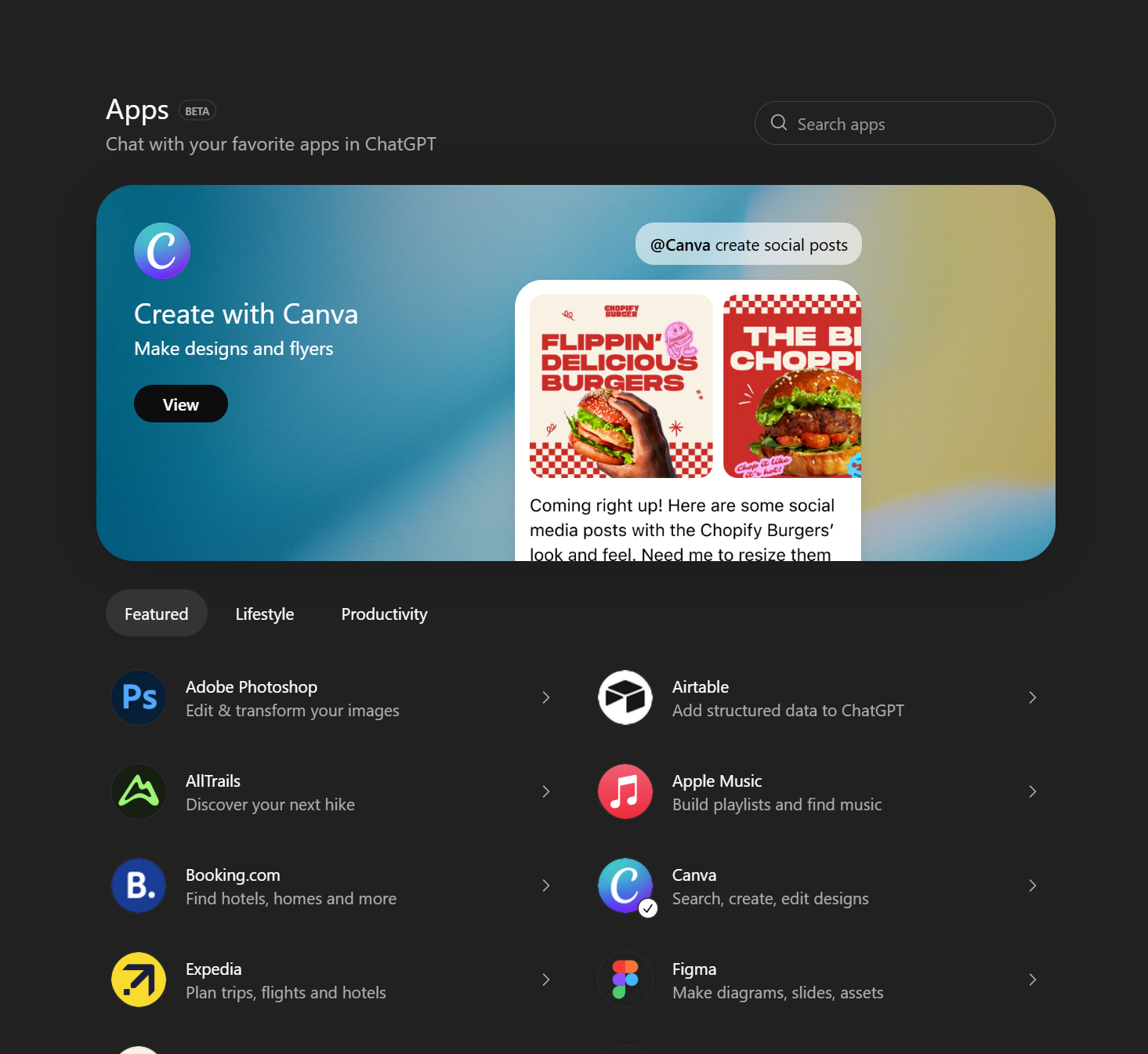
What Are ChatGPT Apps?
Apps can be found under MORE on the left panel of ChatGPT.
Think of them this way, you’re working on something, and instead of leaving ChatGPT to go find another tool, you bring that tool into the conversation with you.
Everything works together in one place.
For example, if you’re creating a social media post, you can ask ChatGPT to help you write it. Then you can bring in Canva and turn that same idea into a visual graphic.
Or if you’re planning something like a trip or event, you can talk through ideas in ChatGPT and bring in a tool like Expedia to get more detailed options.
ChatGPT apps simply help you complete your work faster by bringing the right tools into one space.
What Is a Custom GPT?
If you’re trying to understand what a Custom GPT is, think about it like this.
Imagine you have a teacher you can talk to anytime. That teacher is knowledgeable and helpful.
That’s how most people are using ChatGPT.
Now imagine that same teacher also has access to all the best books, strategies, and frameworks on a specific topic.
Now the answers you get are deeper, more focused, and more useful.
That’s what a Custom GPT does.
It turns ChatGPT into something that is tailored to your business, your goals, and your way of communicating.
If you’re using ChatGPT for marketing, you’ve probably noticed that sometimes the content feels generic.
That’s because ChatGPT doesn’t automatically know your voice or your audience.
When you create a Custom GPT, you give it direction.
Now your content becomes more aligned with your brand. It sounds more like you. And it becomes easier to create consistent messaging across your platforms.
How to Create a Custom GPT
The good news is—you don’t have to figure this out on your own.
ChatGPT will guide you through creating a Custom GPT step by step.
Find Explore GPT’s on the left panel. There you can explore existing custom GPT’s or choose to create your own.
You don’t need to become an expert in AI to benefit from it.
You just need to learn how to use ChatGPT in a way that supports your business or nonprofit.
Apps help you bring the right tools into your workflow.
Custom GPTs help you get results that feel more personal and aligned with your brand.
And once you start using both, ChatGPT becomes more than a tool—it becomes real support for your work.